The PID and equation I tested on my 2012 GT500, plus the RaceChrono setup and how I checked the reading against FORScan.
Log IAT2 on a 2012 Shelby GT500 in RaceChrono using the tested PID and equation, with setup steps, sensor validation, and troubleshooting.
Yes. I have IAT2 working on my 2012 Shelby GT500 in RaceChrono with an iPhone and an OBDLink MX+. I am logging the stock IAT2 sensor through the car’s stock powertrain control module (PCM). The custom OBDII PID is 0x2203CA, and the equation is bytesToUint(raw,1,1)-40. The equation returns Celsius. I have RaceChrono set to display Fahrenheit.
I wanted to record the air temperature after the intercooler alongside the rest of my track data. Once I found a value that looked right, I checked it against FORScan and unplugged the IAT2 sensor to make sure I was reading the correct signal. These are the settings I tested on my car.
0x2203CA, which is 2229194 in decimalbytesToUint(raw,1,1)-400x7E0 and reply on 0x7E8Jump to the RaceChrono setup or see how I verified the signal.
I use an iPhone, RaceChrono, and an OBDLink MX+ plugged into the car’s diagnostic port. Your RaceChrono setup needs to support an OBDII reader and custom channels.
For the testing, I used an OBDII splitter I bought on Amazon so I could connect FORScan and RealTerm at the same time. FORScan gave me the reference IAT2 reading while I used RealTerm and an OBDLink EX on a laptop to inspect the diagnostic traffic. You do not need to repeat that process to enter the settings above.
I use the same splitter for my regular RaceChrono setup. It lets me connect two OBDLink MX+ adapters, with each one doing a different job:
This lets me record the engine data and those CAN channels together. The second adapter is for the extra CAN channels. You only need one MX+ for the IAT2 setup described here.
Start with the car parked and the MX+ connected. RaceChrono’s custom OBDII channel guide explains the app’s settings. Menu wording can vary by version.
0x2203CA. RaceChrono may show 2229194 after you enter it. Both represent the same value.bytesToUint(raw,1,1)-40. Keep the byte positions and minus 40 as shown.0x7E0 for the PCM request, with replies on 0x7E8. These are CAN message IDs, separate from the PID. The screenshot below does not show a header setting.
Hexadecimal and decimal are two ways to write the same number. 0x2203CA equals 2229194. RaceChrono showing the decimal number does not mean the PID changed.
Leave the equation in Celsius. I use Fahrenheit on the display, but I do not add a Fahrenheit conversion to the equation. RaceChrono handles that display conversion.
For example, a temperature byte of 0x59 is 89 in decimal. Subtracting 40 gives 49°C, which is 120.2°F. A display rounded to whole degrees shows 120°F.
RaceChrono’s equations reference explains the decoding functions if you want to see how they work.
I connected FORScan and RealTerm through the splitter and recorded the IAT2 reading and diagnostic traffic during the same garage test. I then compared the decoded response with FORScan.
The comparison showed 2,691 of 2,691 readings matching FORScan after rounding to whole degrees Fahrenheit. I also unplugged and reconnected the IAT2 sensor twice. Each time I unplugged it, the temperature byte dropped to zero and decoded to −40°C. Reconnecting it brought the normal reading back.

Open the validation graph at full size to zoom in on your phone.
That confirmed the signal and decoding during this garage test. I then confirmed that the equation works in RaceChrono. The next step is logging it through a full track session.
IAT stands for intake air temperature. On my supercharged GT500, IAT1 is recorded at the mass air flow (MAF) sensor in the intake before the supercharger. IAT2 is the charge air temperature after the supercharger and intercooler.
I wanted IAT2 so I could follow the temperature of the air going into the engine and see how it rises and recovers during a session. Engine coolant temperature is a separate reading, and I want to log both when checking my cooling setup.
The request runs over CAN, but I add it in RaceChrono as a custom OBDII channel. RaceChrono requests the value and the PCM replies. I have not confirmed a periodic IAT2 broadcast that can be read without making that request.
These are the complete eight byte examples from my diagnostic trace:
0x7E0: 03 22 03 CA 00 00 00 000x7E8: 04 62 03 CA 59 00 00 000x7E8: 04 62 03 CA 00 00 00 00The temperature is at byte index 4 when counting from zero in the complete CAN payload above. The raw value RaceChrono gives the equation is a processed response. In my RaceChrono channel, the temperature comes from byte index 1. Keep that index in the working equation.
If the source bytes are all zero, subtracting 40 gives −40°C, which is also −40°F. My settings screenshot was taken with the stock IAT2 sensor unplugged. Use Test connection to check the live reading with the sensor connected.
This was the value I saw with the sensor unplugged. Confirm you are looking at live data, check the sensor connection, and compare the reading with FORScan or another diagnostic tool. A zero filled test in the editor does not diagnose a failed sensor.
Check the vehicle profile, MX+ connection, PID, equation, and header if your setup uses one. If ordinary OBDII channels also fail, get the reader connection working first. If IAT2 works live but is missing from a saved session, check that it is enabled for recording.
I want to record ambient conditions, laps, and the recovery after a session so I can see how IAT2 rises and settles. Comparing similar sessions should give me a better picture of what the cooling system is doing.
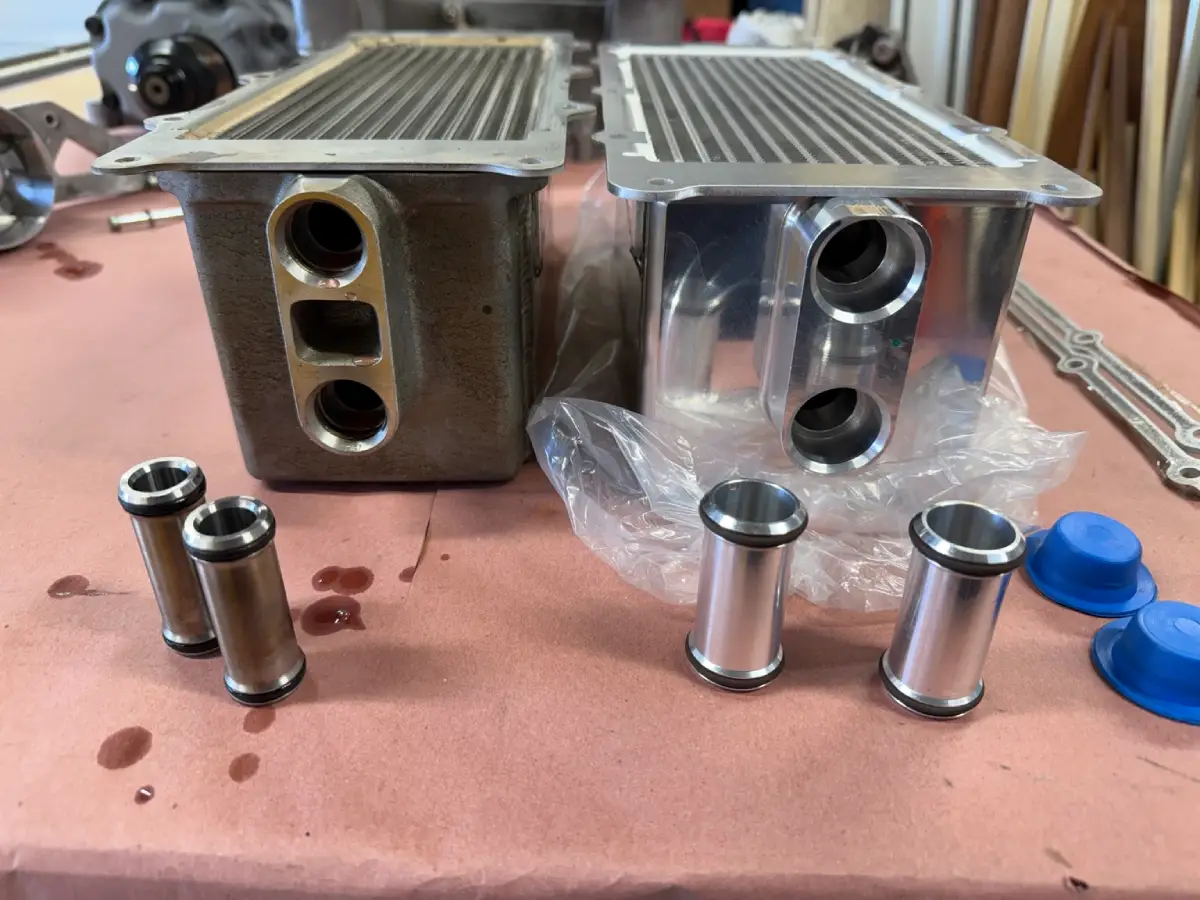
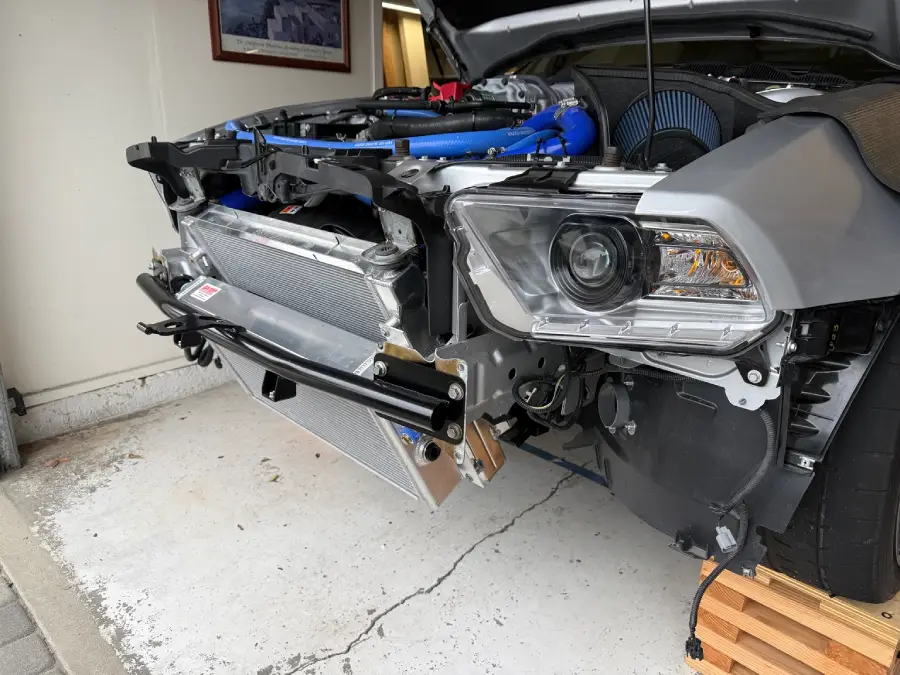
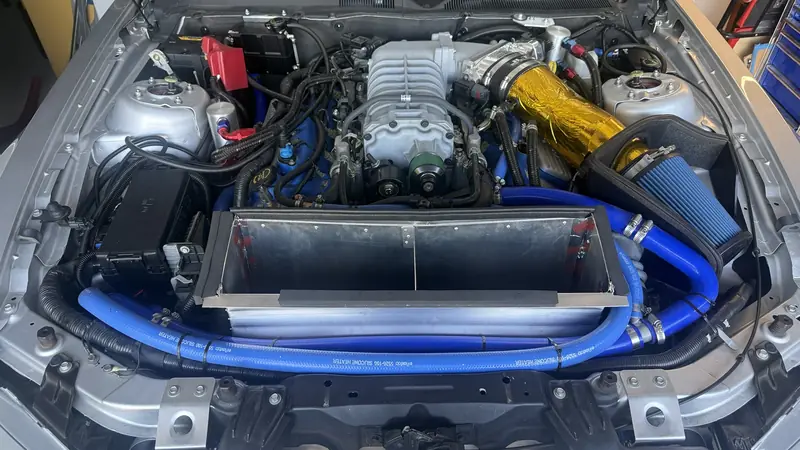
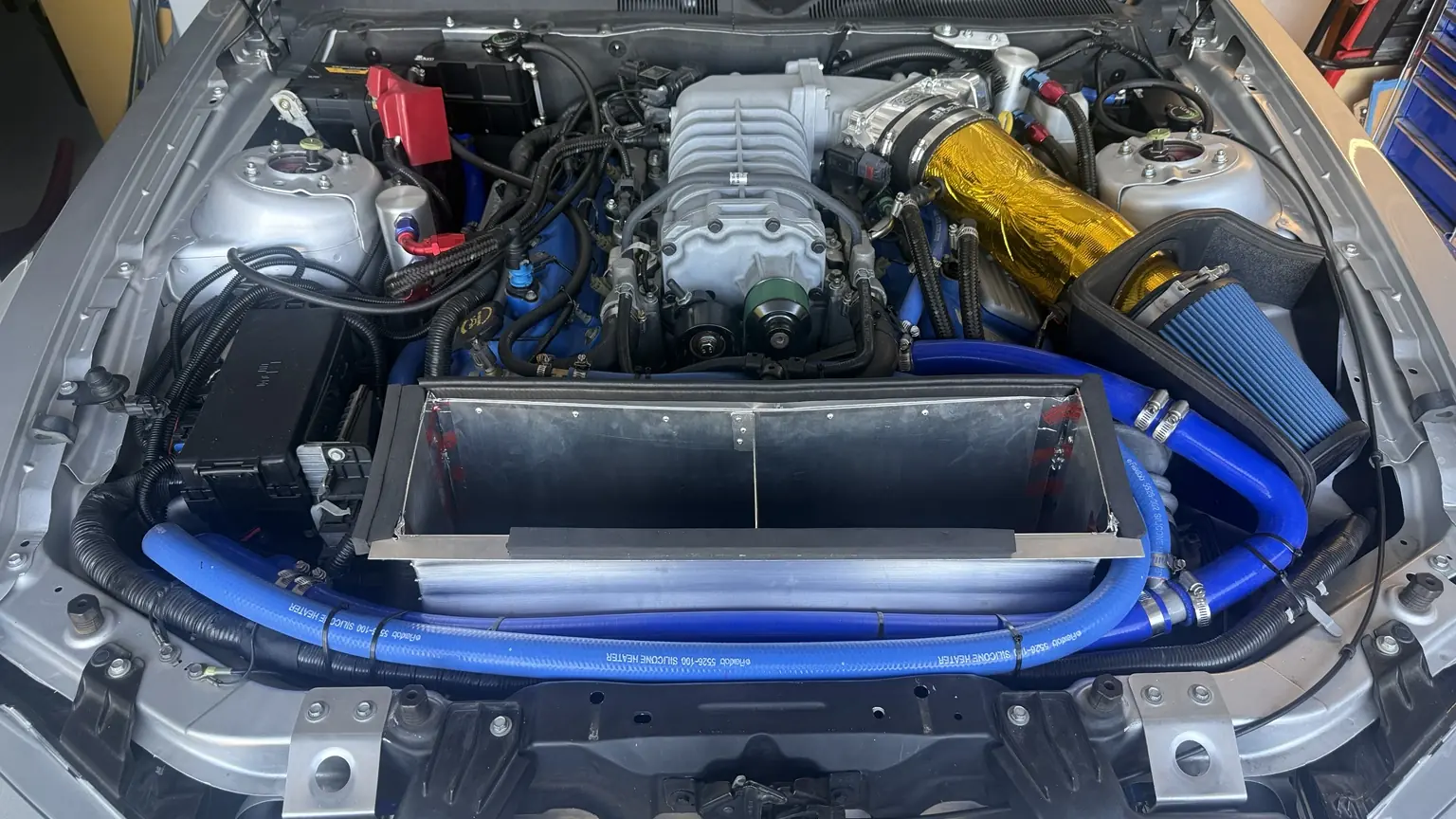
I will use that data to follow the VMP intercooler and water manifold installation as part of my GT500 cooling build. I will watch engine coolant temperature separately when checking the radiator ducting. I will add track results once I have collected them.
I verified this on my 2012 Shelby GT500. I have not tested it across other model years or PCM calibrations. If you try it on another car, compare it with a trusted reference reading and note the model year, adapter, and RaceChrono version.
You can follow the rest of the work on my 2012 Shelby GT500 track car build page.